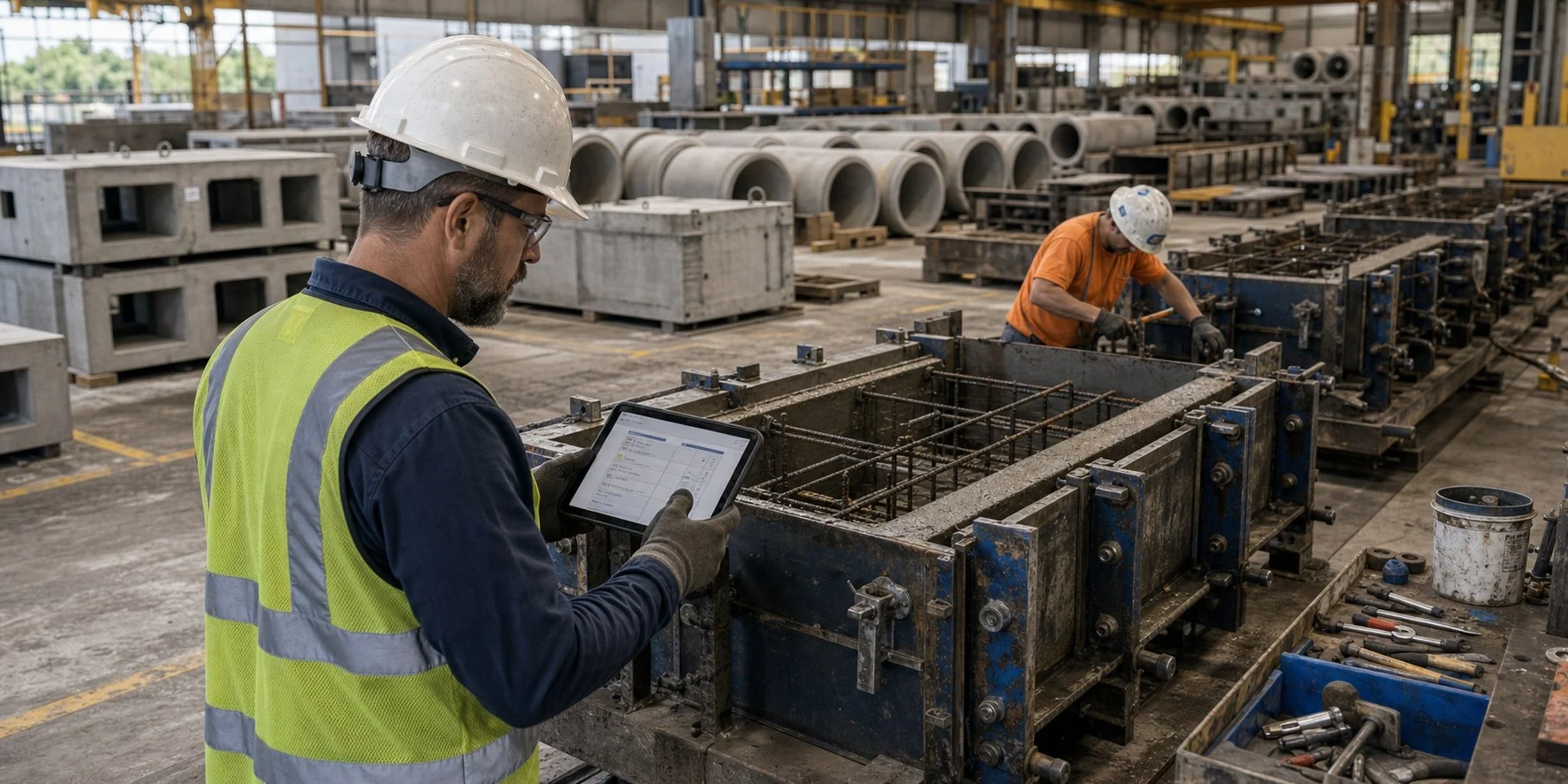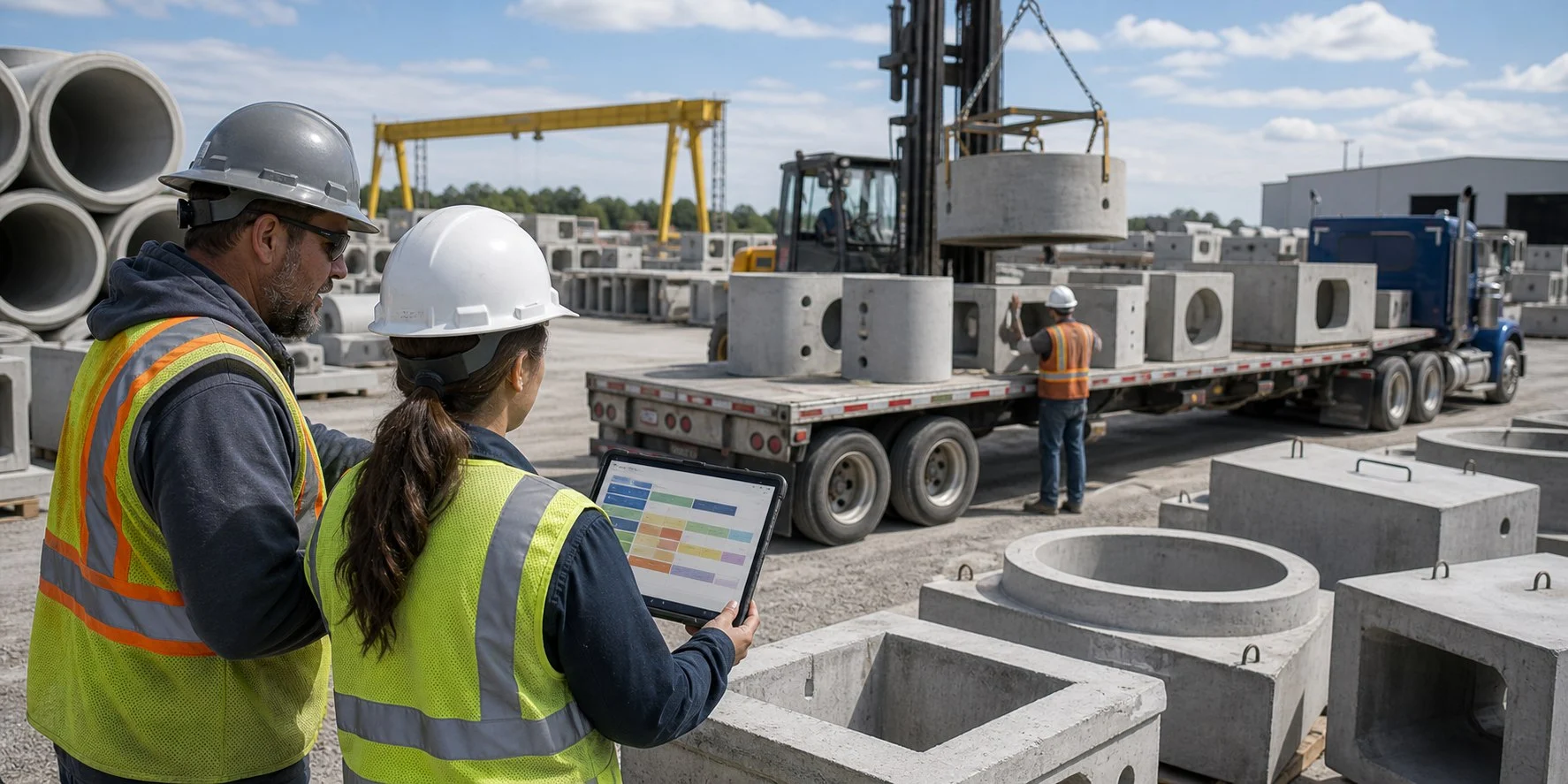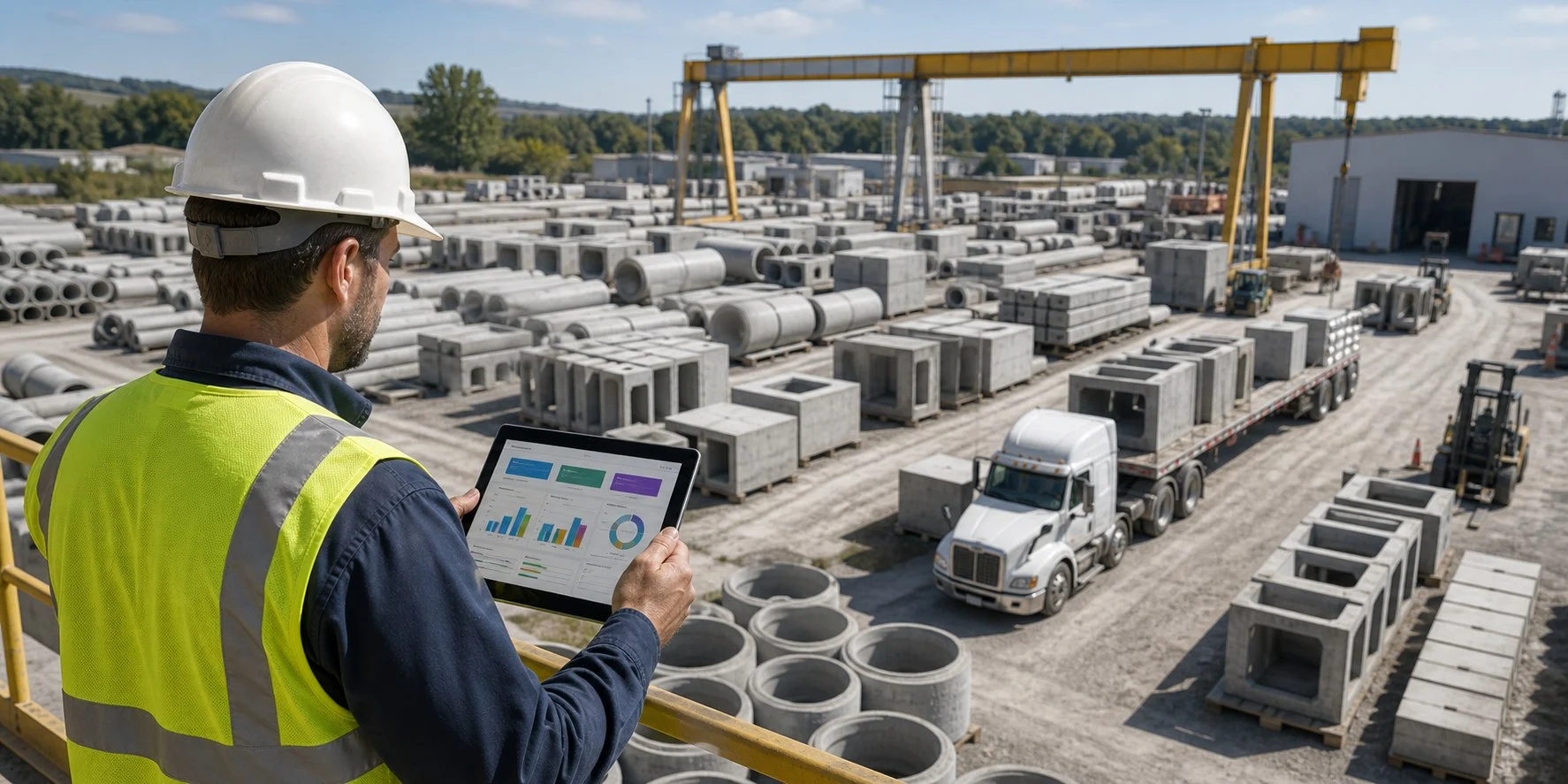
Titan can become the center of a precast concrete company’s operation, but only when the setup is built in the right order.
A strong Titan system should help quoting, estimating, production, scheduling, dispatch, invoicing, and reporting work from the same organized information. The goal is not just to get data into Titan. The goal is to create a system where the same job information moves through the company without being retyped, rebuilt, or interpreted differently by every department.
For many precast companies, the biggest Titan problems do not come from the software itself. They come from setup decisions made too quickly at the beginning.
Start With How Your Precast Company Actually Works
Before building product codes, structures, options, or Auto Builds, the first step is understanding the real workflow inside the company.
How does a quote become an order? Who enters the first information? What details are needed by estimating, drafting, production, dispatch, accounting, and management? Where do mistakes usually happen? What information gets typed more than once?
A good Titan setup should match the way your precast company needs to operate while also cleaning up the parts of the workflow that are slow, inconsistent, or confusing.
If the system is built around messy habits, Titan will only make those habits faster. If the system is built around a clean process, Titan can help the whole company work from one organized flow.
Build Product Codes Carefully
Product codes are one of the most important parts of a clean Titan setup.
They should be short, consistent, easy to understand, and easy to use. If product codes are too long, too random, or too dependent on one person’s memory, the system becomes harder to maintain over time.
For precast companies, product codes often need to support many different product families, such as manholes, pipe, box culverts, inlets, vaults, panels, or custom structures. The naming structure should be simple enough for everyday users, but detailed enough to support estimating, production, reporting, and accounting.
A good product code system helps employees find the right item quickly and helps management trust the data later.
Set Up Structures Before Automating Too Much
Structures are a major part of a strong Titan system. When structures are set up correctly, they help connect product information, options, estimating rules, drawings, and production details.
This is especially important in precast because many products are similar but not identical. A round manhole, rectangular structure, inlet, vault, or custom piece may share common logic, but still need different options, sizes, materials, and drawing behavior.
The structure setup should be clear before building too much automation. If the structure logic is weak, the automation built on top of it will also be weak.
Use Auto Builds to Reduce Repetitive Work
Auto Builds can be one of the most powerful parts of a Titan setup when they are planned correctly.
The purpose of an Auto Build is to let Titan assemble the right items, descriptions, costs, and details based on the information entered by the user. This can save a large amount of time in estimating and order entry.
But Auto Builds need discipline. If they are built without a clear product code strategy, structure strategy, and option strategy, they can become difficult to maintain.
The best Auto Builds are simple for users, but carefully structured behind the scenes.
Make the Visual Estimator Practical for Real Estimating
Titan’s Visual Estimator should help estimators create accurate quotes with less manual work.
A good Visual Estimator setup should support the way your company prices work. That may include product costs, labor assumptions, material adders, options, descriptions, freight, special conditions, and customer-facing quote details.
The goal is not just speed. The goal is repeatable estimating.
When the Visual Estimator is built correctly, different estimators should be able to quote similar work in a consistent way. That consistency improves pricing, reduces missed items, and makes it easier to train new employees.
Do Not Treat Drawings as an Afterthought
Drawing styles matter.
For many precast companies, drawings are used for submittals, production, quality control, and communication with customers. If the drawing setup is not clean, the company may still spend too much time editing, checking, or explaining drawings manually.
Titan drawing styles should be built with both production and customer communication in mind. The right setup can help create drawings that are consistent, readable, and useful to the people who depend on them.
Think Beyond Estimating
Many companies start with estimating because that is where the immediate pain is. That makes sense, but Titan should not be viewed only as estimating software.
A strong Titan setup should support the full path of the job:
- Quote
- Order
- Drawing
- Approval
- Production
- Quality control
- Dispatch
- Invoicing
- Reporting
When the system is built with the full workflow in mind, each department benefits from the information entered earlier in the process. That is where Titan can become much more powerful than a standalone estimating tool.
Keep the Setup Simple Enough to Train
A Titan system should be powerful, but it should not be so complicated that only one or two people understand it.
If the setup is clean, new employees can be trained faster. Sales, estimating, production, and office staff can follow a consistent process. Managers can trust the information in the system because the data is being created in a controlled way.
Simple does not mean basic. Simple means organized.
Common Titan Setup Mistakes
Some of the most common setup mistakes include:
- Product codes that are too long or inconsistent
- Structures created without a clear long-term plan
- Auto Builds that are too complicated to maintain
- Estimating rules that rely on manual fixes
- Drawing styles that do not match production needs
- Too much information being typed more than once
- Reports that cannot be trusted because the setup is inconsistent
- Workflows built around one person instead of the whole company
These issues can usually be fixed, but they are easier to avoid when the system is planned correctly from the beginning.
What to Build First in Titan
A strong setup usually starts with the foundation:
- Define the company workflow
- Clean up product code logic
- Build structure standards
- Organize option IDs and product maintenance
- Create practical Auto Builds
- Build out the Visual Estimator
- Develop drawing styles
- Connect the workflow through production, dispatch, invoicing, and reporting
- Train users around the process
- Review and refine after real jobs move through the system
The exact order may change depending on the company, but the principle stays the same: build the foundation before depending on automation.
Final Thoughts
Titan can help a precast concrete company become more organized, more consistent, and more efficient. But the setup matters.
When Titan is built around a clean process, it can reduce duplicate entry, improve estimating, support better drawings, connect departments, and give management better information.
When Titan is built without a clear plan, it can become harder to use than it needs to be.
If your company is setting up Titan, rebuilding part of your system, transitioning to VT3000, or trying to make your current setup easier to use, Precast Simplified can help review your Titan system and build a cleaner path forward.
For more guides like this, visit the Precast Resources library.








Related Posts